
JARA Motor Control on your phone
Configure, tune, and monitor your Jara controller from your phone — over the controller’s Wi-Fi or Bluetooth. It installs directly from this page: no app store account, no waiting.
On this page
Get the app
Direct APK download
Installs straight from this site — signed by Jara, no Google account needed.
TestFlight beta
Installs through Apple’s free TestFlight app — open beta, no invite required.
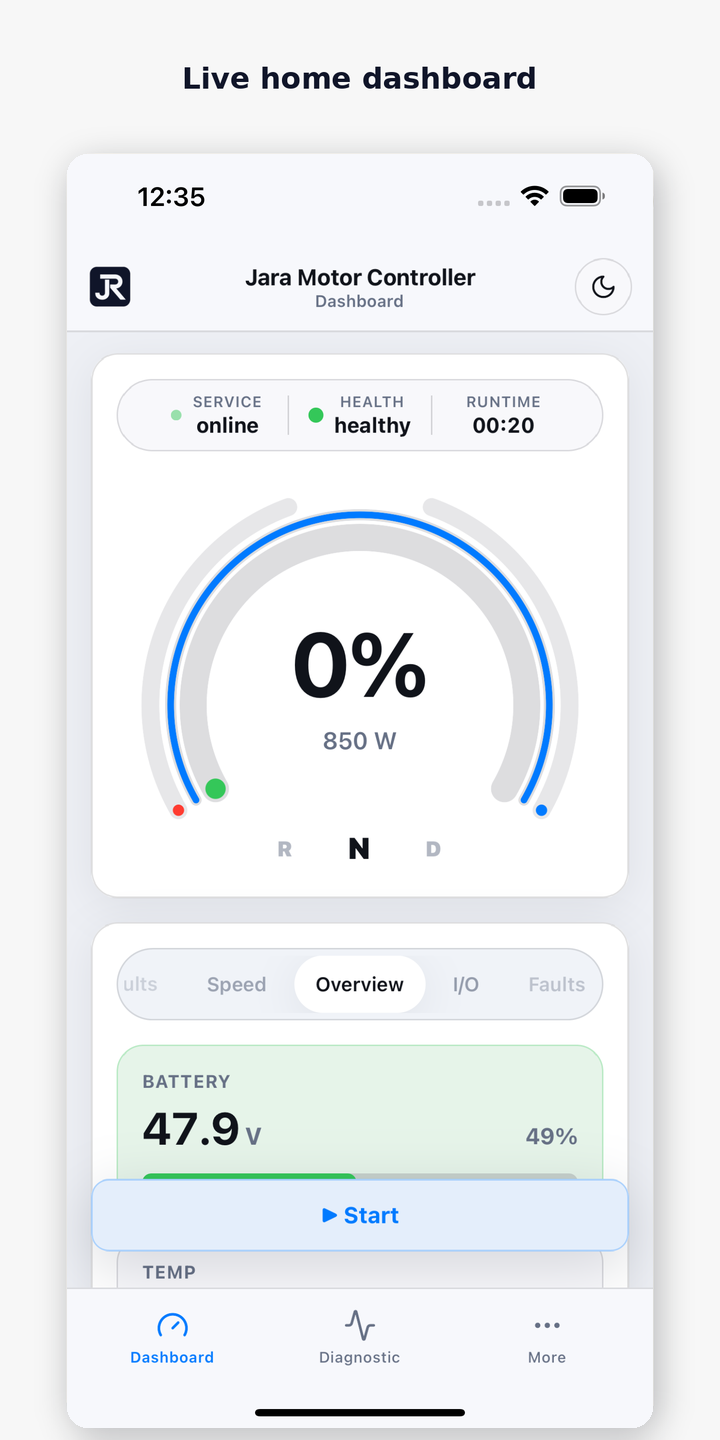
A guided first run
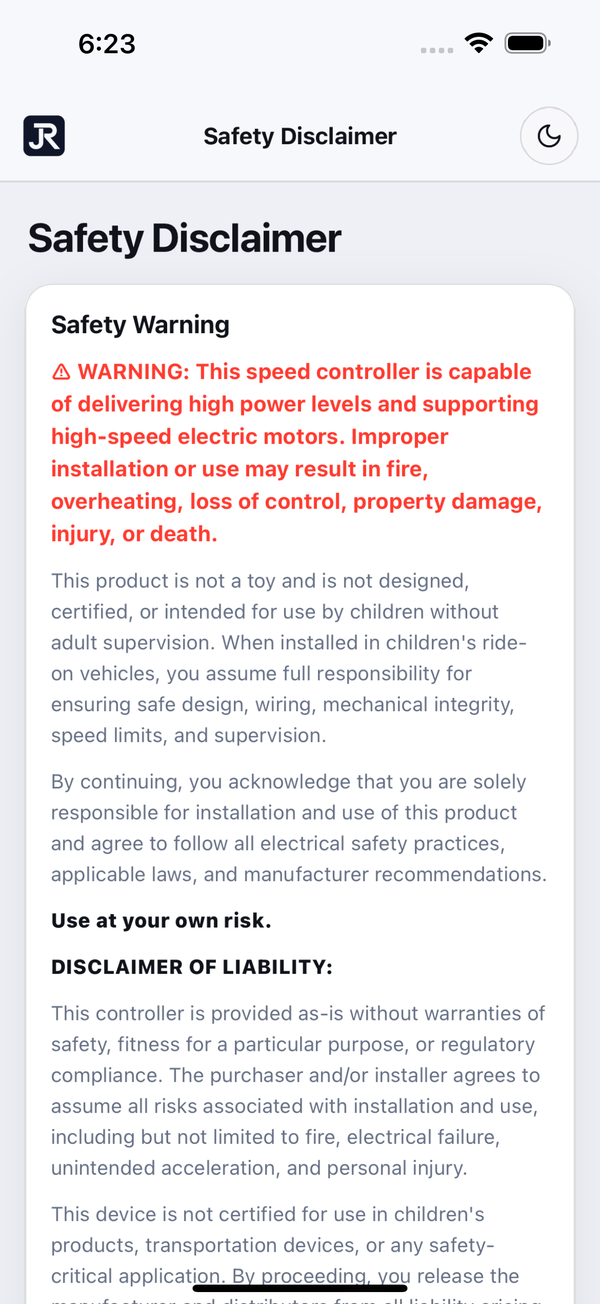
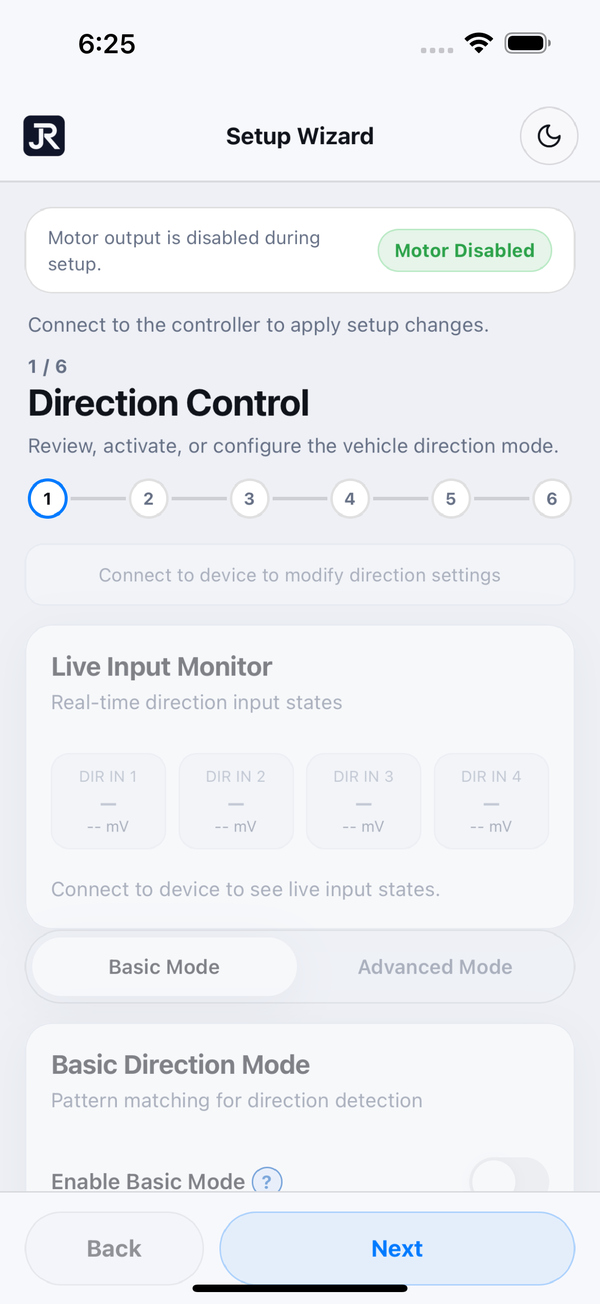
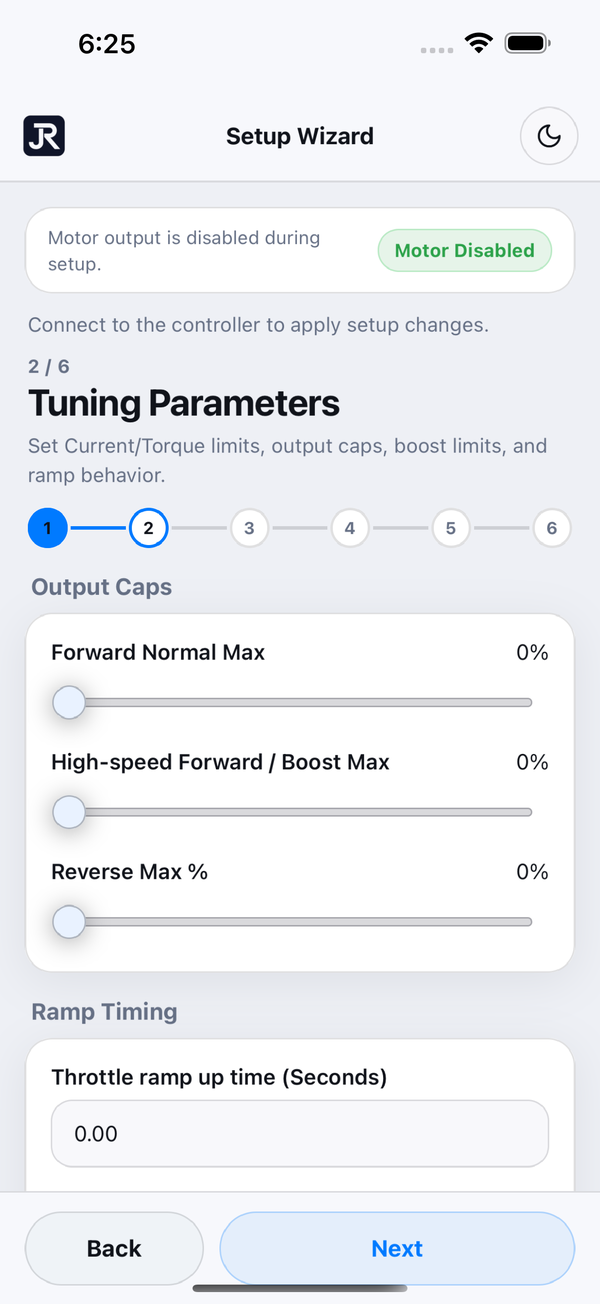
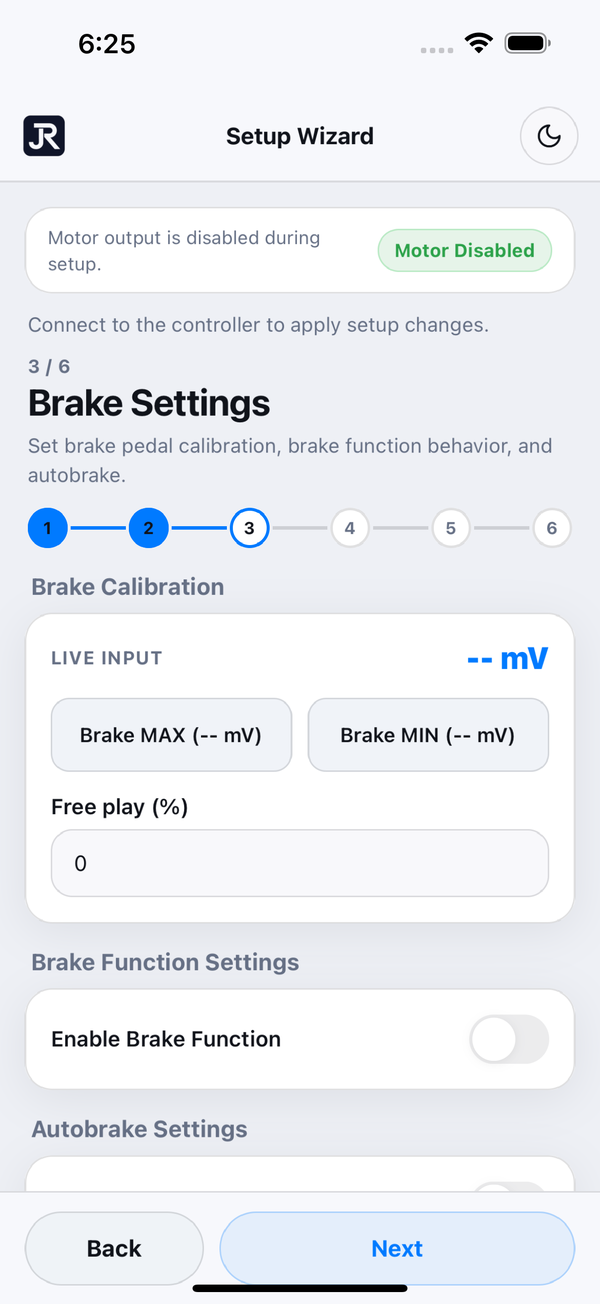
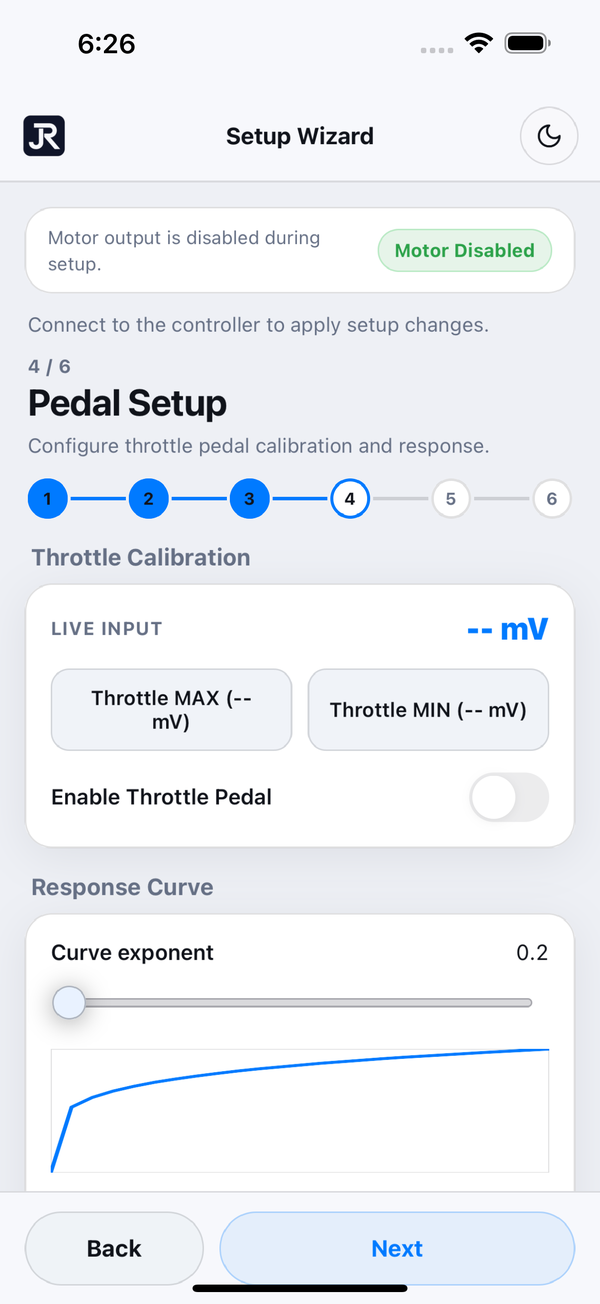
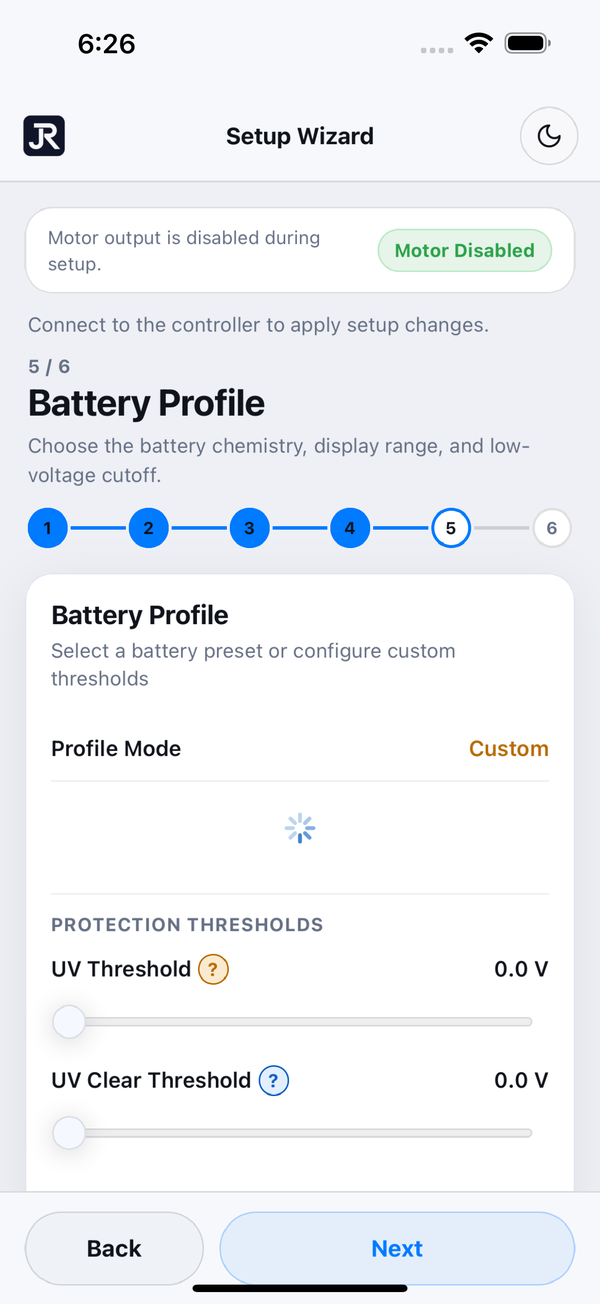
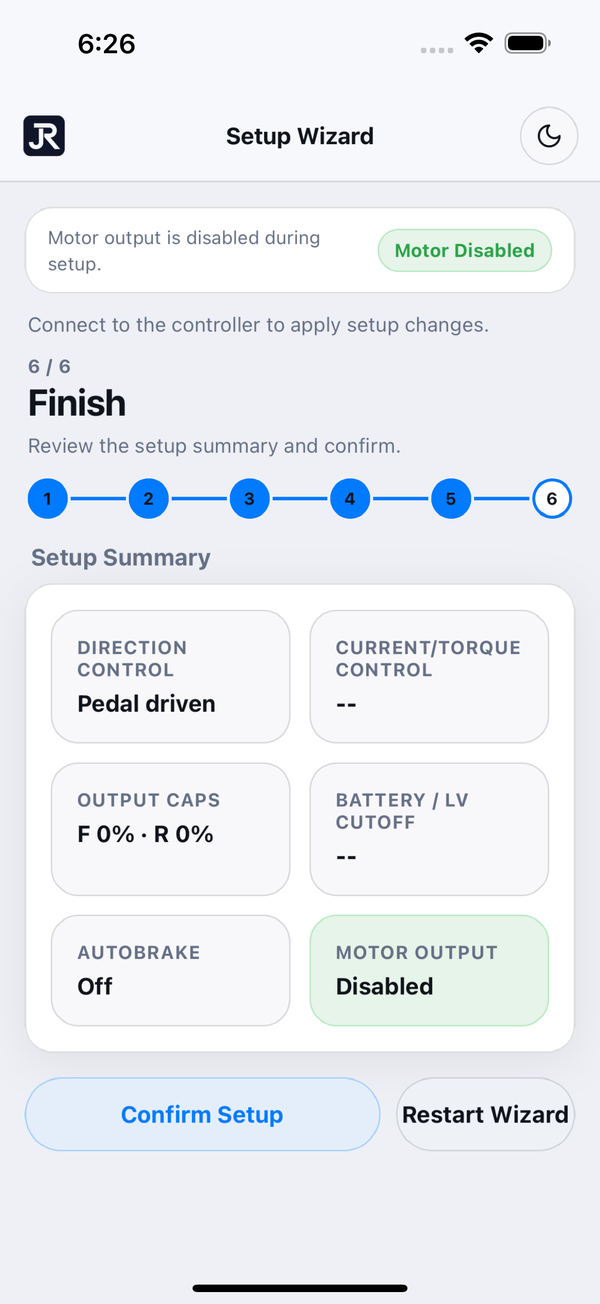
First launch walks you through setup — motor direction, drive tuning, brakes, pedal calibration, and battery profile — so the controller is dialed in before you drive.
Install on Android
Download the APK on your phone
Tap the download button above. Your browser may ask to confirm — keep the file.
Open the downloaded file
Open it from the download notification, or find it in your Files app under Downloads.
Allow the install
The first time, Android asks you to allow installs from your browser (“Install unknown apps”). Turn it on and go back — this is normal for apps that ship outside the Play Store.
Install and open
Confirm the install (Play Protect may scan the app first), then open JARA Motor Control from your home screen.
Only download the APK from this page, and check the app ID reads com.jara.tech.motor.controller during install. If you previously installed the app through Google Play testing, uninstall that copy first — the two are signed differently and Android won’t update across them.
Install on iPhone
Get TestFlight
Install Apple’s free TestFlightapp from the App Store — it’s how Apple delivers beta apps.
Open the beta link on your iPhone
Tap the join button above. It opens in TestFlight with the JARA Motor Control beta ready to accept.
Accept and install
Tap Accept, then Install. The app lands on your home screen like any other.
Update when prompted
Beta builds refresh regularly and TestFlight notifies you when a new one is up — keep the app updated and you’re always current.
Requirements
Why direct install?
We ship the app the same way we ship firmware: directly. New releases reach you the moment they’re ready, and the app stays in step with your controller’s firmware and the web flasher.
On Android that means installing a Jara-signed APK from this page — grab the latest version here whenever you want to update. On iPhone, Apple requires apps to install through its own channels, so the beta ships via TestFlight: same app, same features, delivered through Apple’s beta pipeline. Questions or trouble installing? We’re happy to help.