
Webapp user manual
Start here
What do you want to do?
Choose a task, follow its ordered steps, then check the result. Settings, practical tips and troubleshooting stay available alongside each walkthrough.
Connect for the first timeBoard checks, controller Wi-Fi and the local webappSetup Wizard: step-by-stepFollow all six stages, from direction to the final reviewConfigure a featureTry direction control, or choose another task
Search the task list for a setting or symptom. The 21 chapters cover supported features, including board-dependent settings. Developer-only controls are marked beside their titles.
Before commissioning, check your controller board's wiring, power and network prerequisites in its board documentation.
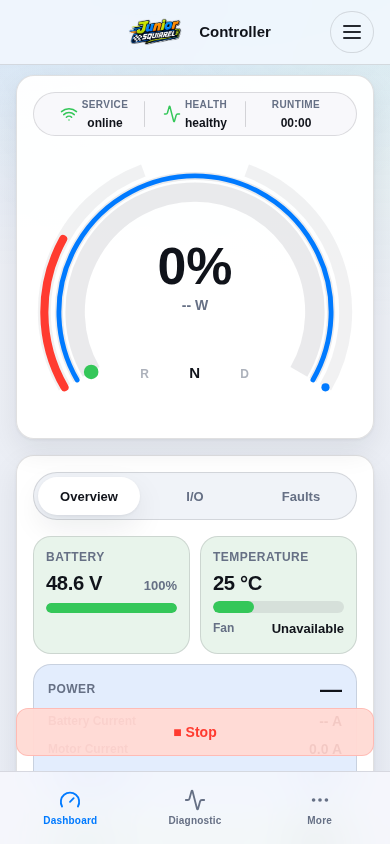
Webapp screen referenceSimulation
View 1 / 1
21 chapters · firmware 0-5-0.14