Check the target board and firmware compatibility, then export the current configuration before replacing active settings.
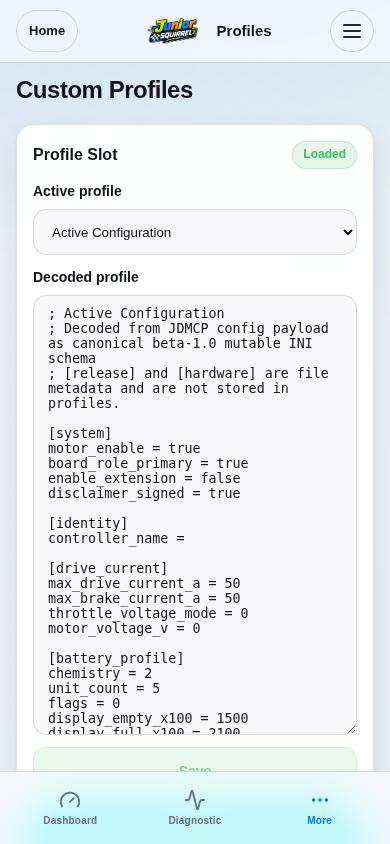
Open Menu → Profiles and select Active Configuration, Factory Defaults or Profile 1–3.
Decoded profile is a read-only canonical INI preview. Active Configuration and Factory Defaults are previews, not numbered save/load slots.