
Skip to content

Setup Wizard: step-by-step

Overview
Details

Connect to the controller and accept the first-use disclaimer. Have your wiring instructions, motor ratings and battery specifications ready.

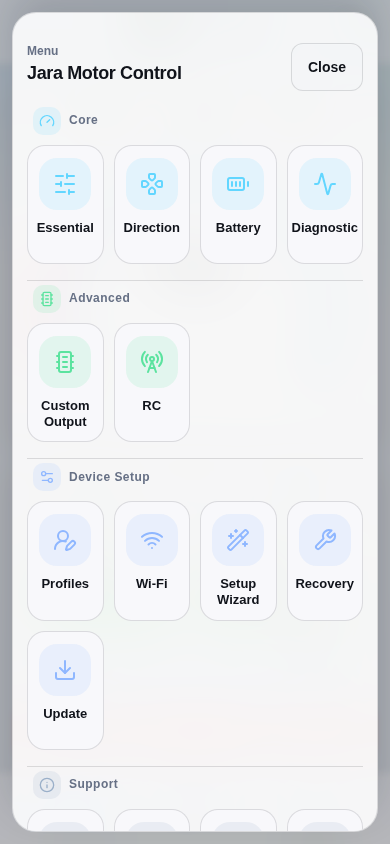
Secure the mechanism. Stop motor output from Dashboard before configuring. Open Menu → Setup Wizard and check Motor disabled.

If Saved Setup Progress appears, Resume continues the previous session.
Part 1 / 2
Open the Setup WizardSimulation
Actual production navigation menu, opened through its menu button.
View 1 / 3

Enlarged screen

Actual production navigation menu, opened through its menu button.

Capture details

Actual production navigation menu, opened through its menu button.

Evidence
Development Hub simulation · DRV1100BDV5
UI state
mode-normal has-dashboard-sticky-primary-action has-sticky-primary-action menu-open
Viewport
390 × 844 · actual viewport
Page position
0, 0 px
Scenario
hub/default-configuration.yaml
Virtual time
301728 µs
Route
/dashboard.html

Choose a topic