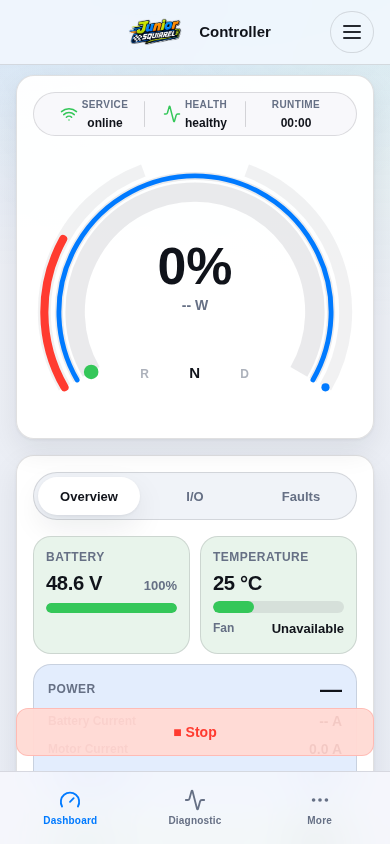
Confirm that you are connected to the intended controller. Select the bottom Dashboard tab or header Home.
Read the connection and health summary and wait for current status. Check motor enable, effective direction and active faults separately.
Confirm that you are connected to the intended controller. Select the bottom Dashboard tab or header Home.
Read the connection and health summary and wait for current status. Check motor enable, effective direction and active faults separately.